· New in Psyborg
A picture of your own story
Psyborg makes pictures from your own story, from what you've already told it in the dialogue. Ask in any dialogue, adjust the words, and watch it rise through ink.
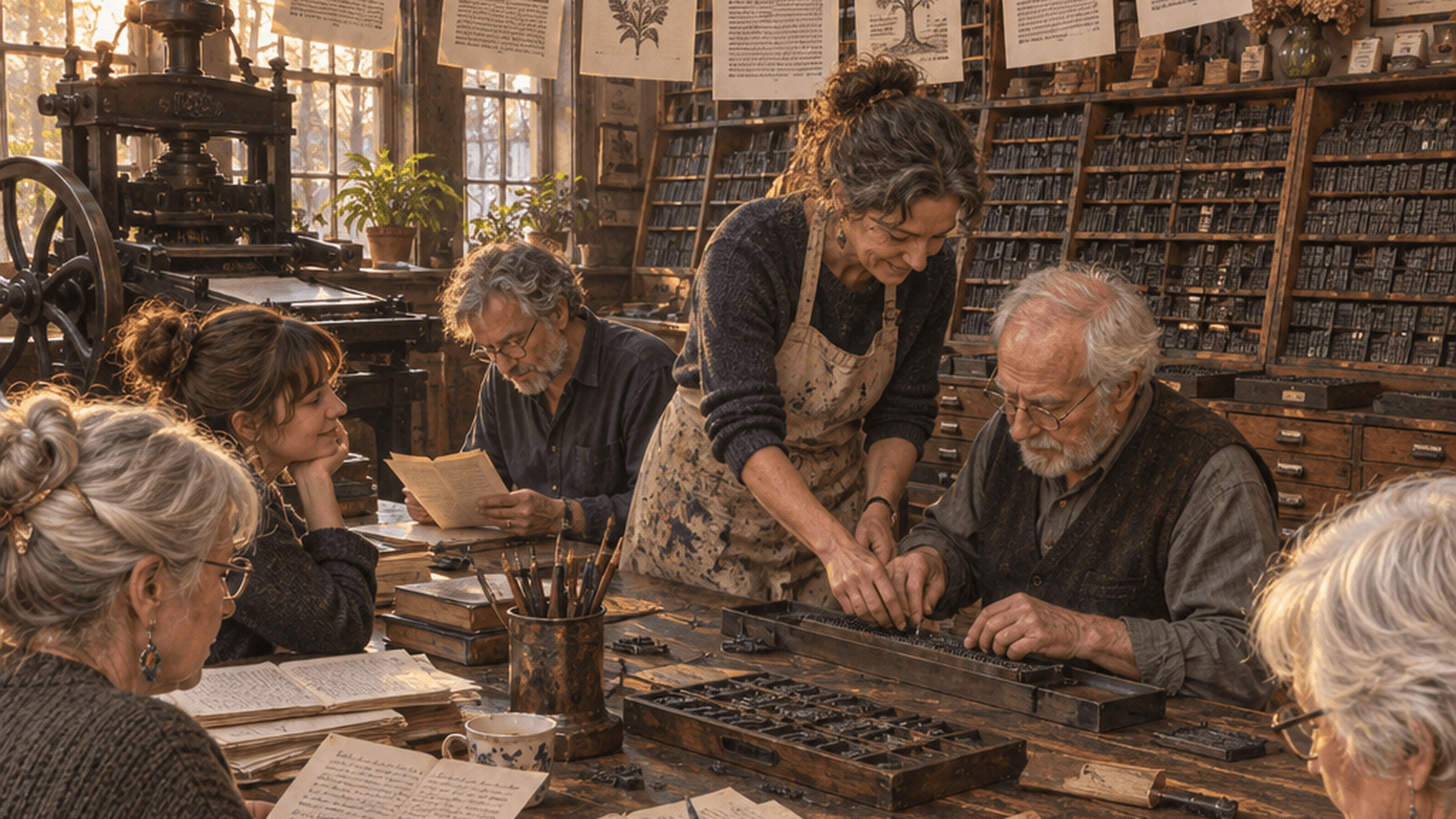
A picture should start from your story, not a blank box. Psyborg's does. It makes the picture from what you've already told it in the dialogue: the studio you're opening, the year you're in, the thing you've been trying to say.
Ask for one and it's made right there, from words Psyborg writes out of what the two of you have been working through. Then a wash of ink moves across the frame, and the picture rises through it. Thus the image belongs to the conversation it came from.
Every picture is kept on Files, in your sidebar, with a quiet link back to the dialogue it came from.
What you can do now
- Ask for a picture in any dialogue. A cover for the thing you're making, a scene from a memory, the room you want to work in.
- Change it by asking. Say "make it night" and Psyborg changes the picture you have, instead of starting over.
- Remake it from your own words. "Edit words" sits under every picture.
- Keep them all in one place. Files holds every picture, and each one opens back to its dialogue.
- Save it, or share it from your phone. Every picture has Open, Save and Share beneath it.
How to try it
Open Psyborg, start a dialogue, and ask: "Make me a picture of…"